What the planning tools know
StudyLoop keeps two kinds of evidence in the shared sessions.db: progress recorded during study, and conversations imported from supported coding agents. The planning interview can suggest struggling topics, due concepts, and recurring questions from that history.
This only works with records that exist. An unimported conversation is not available to the planner, and a new installation may have no history. The tools report missing evidence rather than inventing it.
studyloop plan interview --jsonThis prints questions and history-based suggestions. It does not launch an agent or create a plan. Ask your mentor to work through the questions with you, one at a time.
Keep the plan small
Start with a reason and three to five checkable milestones. A milestone should describe something you can explain or do in a session. Name what is out of scope so a useful tangent can be parked for another day.
StudyLoop’s separate focus list allows at most three active topics. That is an attention limit, not a requirement to study three things. A plan can contain several milestones while the next session works on one.
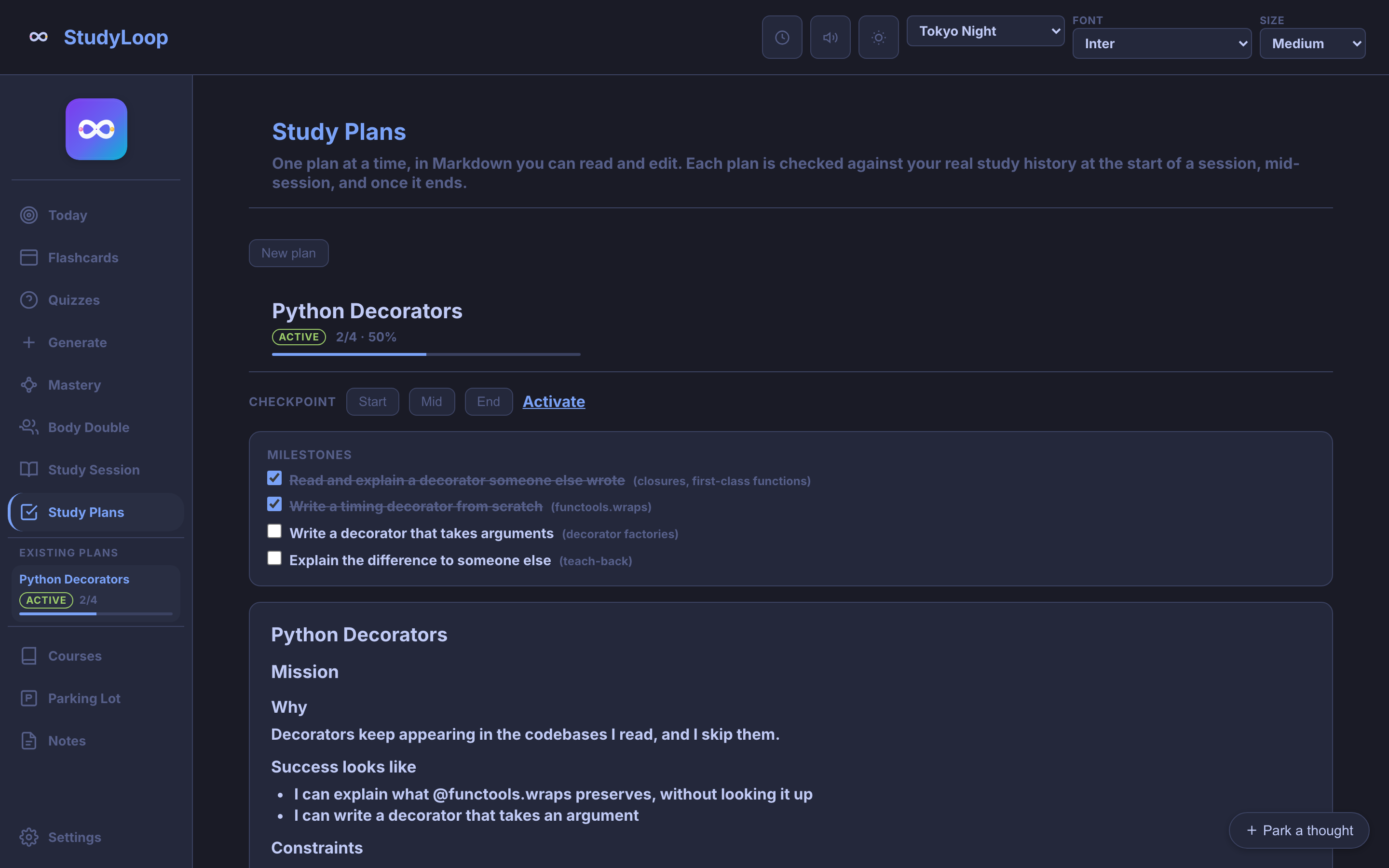
In the Web UI, open Study Plans → New plan. Fill in the title, why, success criteria, topics, and milestones. The brain-dump field saves your words as context; it does not automatically fill in the plan.
Check the plan against your practice
- Start: choose the next milestone and look for due review or a previously claimed skill that needs checking.
- Mid-session: notice drift. Park the tangent, or agree that the plan needs to change.
- End: record what you demonstrated, what is still difficult, and the next starting point.
studyloop plan evaluate <plan-id> --phase start
studyloop plan evaluate <plan-id> --phase start --record
Concept names on milestones connect them to recorded confidence. Checkpoints also look at session activity and the conversation archive. A missing evidence source produces a warning: a partial assessment is not a complete picture of your learning.
What is not connected yet
- The Web UI does not launch the planning interview.
- An active plan does not yet change Today’s recommendation or
studyloop now. - Plans are not silently rewritten from your history. Revisions remain a decision for you and your mentor.
- The development branch adds
studyloop plan recordand the MCP toolrecord_plan_learningfor learning records. Neither is in thev0.2.0tag; check your installed tools before using them.
These boundaries were checked against the source on 5 September 2026.